Click to download now, finish the installation quickly, and directly unlock the all-round experience
Screenshots
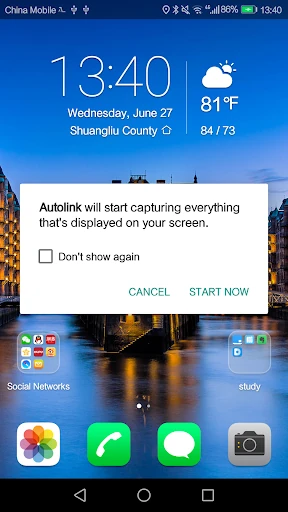
Click to download now, finish the installation quickly, and directly unlock the all-round experience
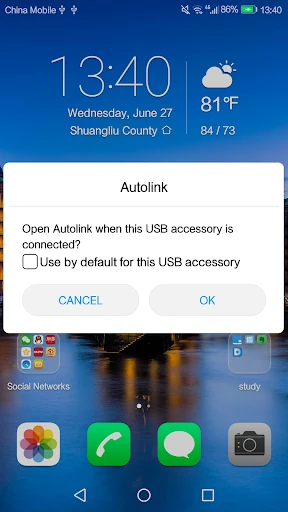
Autolink connects a compatible Android phone to a vehicle’s infotainment display through a wired USB connection. It is intended for drivers whose car hardware supports the app and who want to use the phone’s interface on the larger dashboard screen rather than holding the handset. The app sits in the Auto & Vehicles category and is most relevant to owners of vehicles equipped for this type of phone integration.
Autolink depends on more than the app itself. The vehicle’s infotainment unit, USB connection and phone all need to work together, and the result can vary with screen resolution and hardware support. A cable is required, so this is not a wireless setup. Drivers should also configure the connection before moving and avoid handling the phone while driving.
Autolink has passed 1,000,000+ installs and has collected 14,157 ratings, giving it a substantial installed base. Its current rating is 3.08, which suggests a mixed experience across different phones, vehicles and connection setups. That makes compatibility the central question for prospective users. The app is published by 凌阳成芯科技(成都)有限公司.